
Text to Video
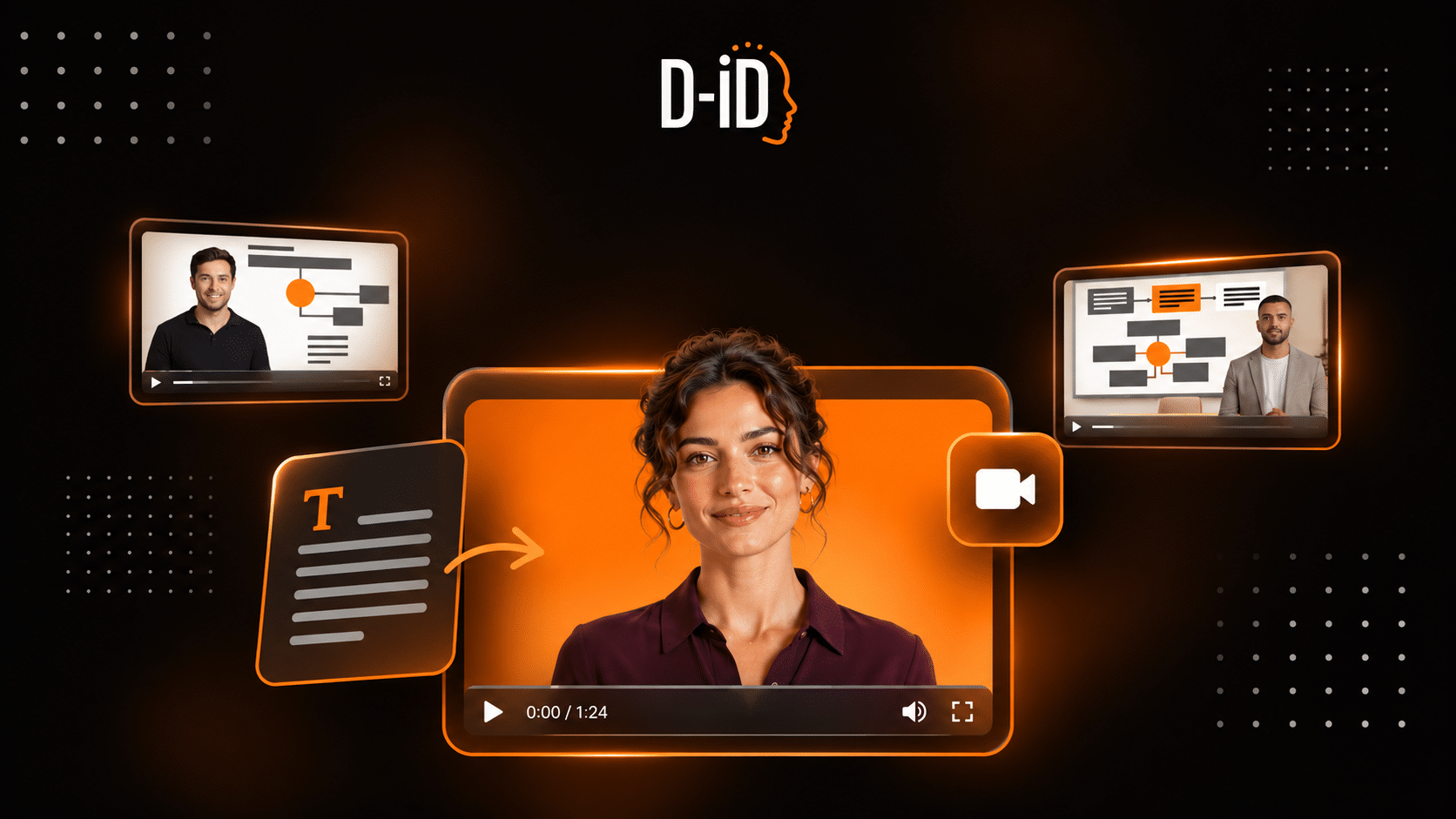
Text to video is a category of AI tools that convert written input into finished video. The term covers two distinct workflows: script-to-video, where an author’s words are spoken by an AI presenter or narrator, and prompt-to-video, where a text description is used to generate new footage. The two workflows produce different outputs and suit different problems.
What Is Text to Video?
Text to video tools take written text as their primary input and return video as their output. What that video looks like depends on which workflow is running underneath.
In the script-to-video approach, the author’s exact words become the script. An AI presenter delivers them, usually on-screen, with mouth movements synchronized to the audio. The creator controls the message, the voice, the presenter, and the visual scenes. What the video says is what the script says.
In the prompt-to-video approach, a natural-language description is fed to a generative model that produces new footage from it. The model invents the visuals: a city at dusk, a character running through a forest, abstract motion. It does not speak the prompt verbatim. The creator describes a scene rather than scripting a message.
Both approaches share the label “text to video” in vendor documentation and in general use, which is why a single search can return tools that work very differently.
How Text to Video Works
A typical script-to-video pipeline runs through five stages.
- The creator writes or pastes a script, or uploads a document.
- A text-to-speech (TTS) system, software that converts written words into natural-sounding spoken audio, reads the script in a chosen voice and language. The D-ID glossary entry on text-to-speech covers how TTS works in more detail.
- An AI presenter, either a stock avatar or a custom character built from a photograph or recording, is animated so the face matches the audio. This face-animation step is also described as talking head generation.
- The creator selects backgrounds, graphics, and any additional visual assets.
- The tool renders the final video with timing and lip-sync aligned, and returns it for review.
In the prompt-to-video approach, a generative video model replaces steps two and three by producing frames directly from the description, typically using video diffusion techniques. The creator shapes output through the prompt and reference media rather than through a script.
Text to Video vs. Prompt-to-Video: An Important Distinction
The clearest way to separate these two approaches is by what you control. In script-to-video, you control the message: every word the presenter says is one you wrote. In prompt-to-video, you control the direction: you describe a scene and the model generates it.
For training content, internal communications, and product explainers, where exact wording matters, script-to-video is usually the better fit. For generative b-roll, creative shots, or atmospheric clips, where the visual style matters more than specific spoken content, prompt-to-video tools are the relevant category.
The table below also places the neighboring formats that readers commonly confuse with text to video.
| Format | Input | Output | Control over wording | Typical use |
|---|---|---|---|---|
| Script-to-video | Written script, chosen presenter, voice, language | Narrated presenter video with designed scenes | Full: the presenter says exactly what was written | Training, comms, explainers, product education |
| Prompt-to-video | Text description of a scene | Generated video footage | None: the model invents the visuals; the prompt describes, not scripts | B-roll, creative shots, short cinematic clips |
| Talking head generation | A face plus audio or a script | Video of that face speaking | Full: same as script-to-video | Presenter video from a photo; the animation step inside many script-to-video tools |
| Text-to-speech | Written text | Audio only, no picture | Full | Voiceover, accessibility; one component inside script-to-video tools |
| Video translation / dubbing | An existing finished video | The same video in another language | N/A: the source content is fixed | Localizing content that was already produced |
On the prompt-to-video side, Google describes Veo 3.1 as generating video from text descriptions and images in up to 4K resolution, with native audio. Runway, whose current video model is Gen-4.5, describes its approach as “describe what you want, Runway generates the rest.” The two categories are converging: Synthesia embeds Veo-generated scenes in its platform, and Runway’s research work includes real-time conversational video characters. The practical distinction between what you control and what the model invents still holds for most content decisions.
Where Text to Video Is Used
Text to video is used wherever the same kind of message has to be explained often, updated regularly, or delivered in several languages. Common uses include:
Learning and development. Onboarding modules, compliance refreshers, and process training, where a script can be revised and the video regenerated when the procedure changes. Diplomat Group, an FMCG distributor and D-ID customer, moved this kind of production in-house instead of briefing an external vendor for each video.
Internal communications. Leadership updates, policy changes, and announcements that need to reach distributed or frontline teams in a consistent form.
Marketing and product education. Product explainers, feature walkthroughs, and personalized outreach, where one script can be adapted for different audiences or markets.
Customer support. Short how-to and troubleshooting videos that sit alongside help-center articles and can be regenerated when the product changes.
Media and publishing. Presenter-led segments and summaries produced from written copy, typically combined with b-roll and graphics.
For a look at what enterprise teams evaluate when choosing a scripted video platform, D-ID’s blog covers business use cases and selection criteria in more detail.
How Text to Video Fits Into a Modern Content Workflow
The practical workflow typically starts before the video tool. A script can come from an existing document, a slide deck, a large language model (LLM), which is a type of AI that generates text from instructions, or a writer working from scratch.
Once the script is ready, the steps are: choose a presenter and voice, customize scenes and assets, generate, review and approve, then distribute. Most teams treat review before publishing as mandatory. A common pattern is to let the AI tool produce the presenter segments and to finish the final cut in standard editing software.
A significant workflow advantage of script-to-video is that updating content does not require a reshoot. When a policy or a product detail changes, the team edits the text and regenerates. This is what makes the format practical for course libraries, onboarding sequences, and support content that needs to stay current. For a closer look at planning and scripting an explainer before you generate it, D-ID’s explainer video guide walks through the process step by step.
At higher volumes, an AI video API connects generation to other systems, so a new record or an updated document can trigger a video without someone starting each one by hand. For teams exploring interactive video workflows, D-ID also explains how Agentic Videos combine video with conversational AI.
When Text to Video Is Not the Right Choice
Some content should still be filmed, and some messages will not survive being delivered by a synthetic presenter.
Messages that carry personal weight are the clearest case. A restructuring announcement, an apology, or a founder’s address to the company lands differently from a generated avatar, even when the words are accurate and clearly disclosed. The audience’s expectation of a real person in that moment is part of what the message needs to accomplish.
Content where the value is a specific person on camera, such as a testimonial, an expert interview, or a live event recording, faces the same constraint. An avatar can say what the person would have said, but not that the person said it.
Highly visual content, including software walkthroughs, physical procedures, and product demonstrations, is another area where a presenter inset competes with what the viewer needs to watch. Splitting attention between a talking avatar and a screen recording is often worse than voiceover alone.
Finally, weigh contexts where disclosing synthetic media could undermine trust before deploying AI text to video tools. Clinical advice and financial guidance are areas where audience trust may argue for filmed content, whatever the efficiency case for an AI-generated alternative.
Example: D-ID
D-ID’s AI Video Generator turns a script or existing content into a presenter video through a browser-based studio. A creator selects a presenter from a stock library or uses a custom avatar, types or pastes a script, picks a voice and language, customizes visual scenes, and generates the video. The platform supports more than 120 languages and accents, D-ID reports.
D-ID’s current AI presenters, V4 Expressive Avatars, support different sentiments that influence how the avatar delivers a message, helping the performance match the content and context. Finished videos can be updated without a reshoot: “Change your script, voice, presenter, language, background, or visual content and generate a new version without filming again,” as D-ID states on its product page. D-ID also says its platform turns a script into a presenter video in minutes.
An additional capability, Agentic Videos, embeds an AI agent in a finished video so viewers can ask questions and receive answers based on the video content and connected knowledge.
For illustrated script-to-video, simpleshow, which is part of D-ID, takes a script and produces a narrated animated video with branded illustrations. Its AI identifies keywords, pairs them with imagery, adds a voice, and produces a finished video. The blog post on how simpleshow turns a written script into an illustrated explainer describes the process in detail.
FAQ
-
Most text to video tools do not require timeline editing. You select a presenter, add a script, and generate the video. Teams that want transitions, captions, or additional footage typically add those in a separate video editor after the AI output is ready. The two tools are commonly used in sequence.
-
There is no universal benchmark. Generation time depends on script length, avatar type, resolution, and the processing tier included in the plan. Short scripts can be ready within a few minutes. Human review, which most teams treat as mandatory before publishing, usually takes longer than the rendering itself, so plan for it in the schedule.
-
Yes. Script-based text to video tools can produce a video in any language the platform supports, usually by translating the script and changing the voice and language setting. Coverage of languages and accents varies by platform. Translating an existing, finished video is a separate capability, handled by dubbing and video translation tools.
-
Both. Most text to video platforms offer a free trial and entry plans that suit individuals and small teams, while collaboration features, single sign-on, and custom avatars usually sit on higher tiers. Check the licence terms before publishing: some entry plans cover personal use only, so commercial use can require a paid business plan.
Was this post useful?
Thank you for your feedback!