
AI Video for Training: How to Personalize It at Scale
Key takeaways
- Personalization at scale is a data problem before it is a video problem. If your HRIS cannot tell you a learner’s role, region and language, no video tool can tailor anything.
- Five layers carry the value: name and role, region or entity, language, the systems shown on screen, and branch logic.
- Build one master video with variables, not fifty near-identical videos. The template video is the asset and every render is disposable.
- Not every course should be personalized. Fast-changing, sensitive or practice-based material is usually better served by a short generic video plus a conversation.
- Measure per variant. An averaged completion rate hides the segment your personalization is failing.
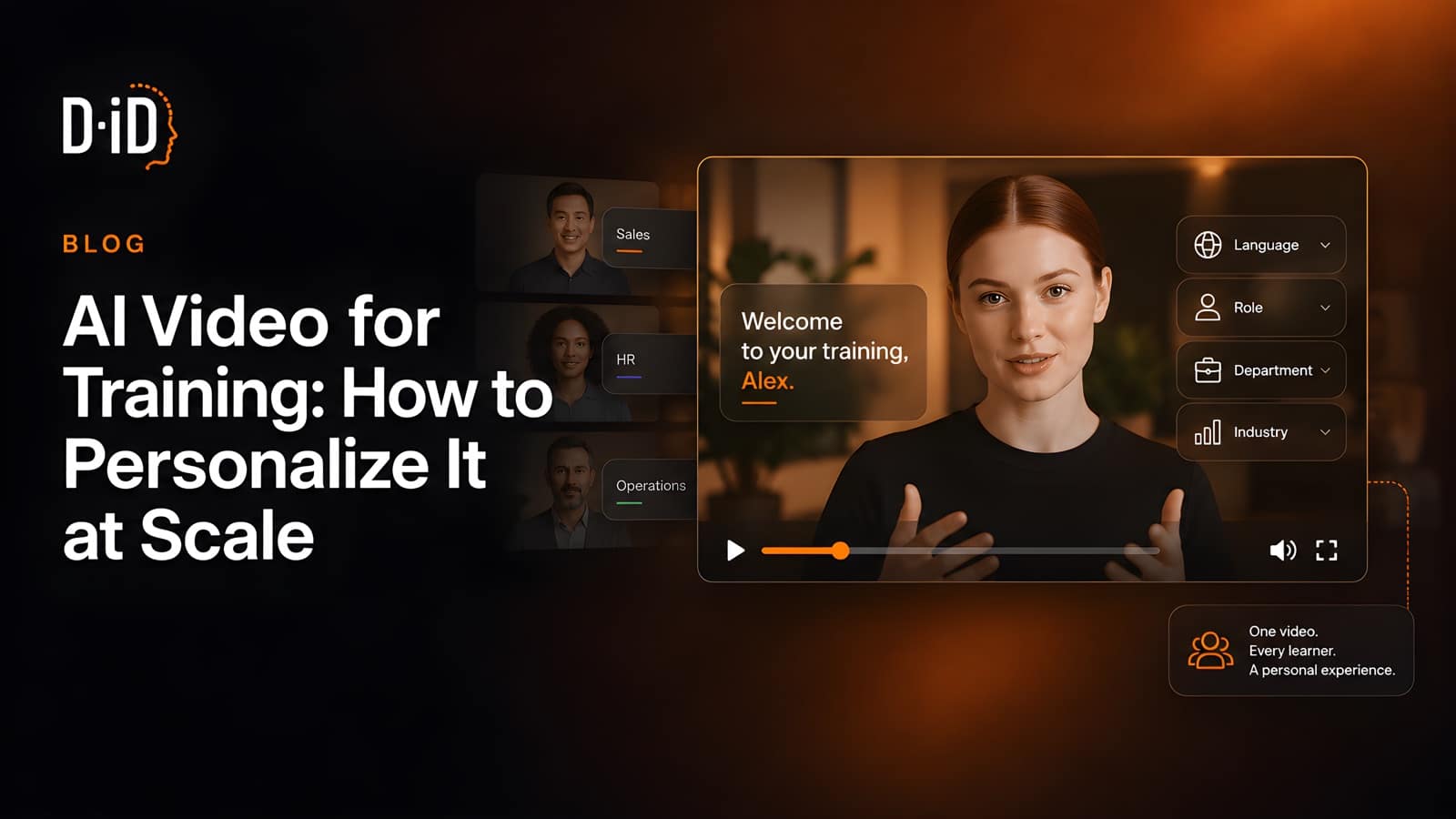
Personalizing AI video for training at scale means building one avatar-led video, then rendering a version per learner or segment from structured data. Name, role, region, language and branch logic are swapped automatically through a spreadsheet or an API call, so a thousand tailored videos cost roughly what a single filmed production used to.
Why does personalization matter in L&D?
Personalization matters because generic training gets ignored. The wider shift to generative AI in corporate learning has made production cheap enough that relevance, not volume, is now the constraint. LinkedIn’s 2025 Workplace Learning Report found that 88% of organizations are concerned about employee retention and that career progress is employees’ number one motivation to learn, yet only 15% of employees say a manager helped them build a career plan in the past six months.
That gap is the opening. A compliance module naming a learner’s own site and the two systems they actually touch is a different experience from the same module pushed to 4,000 people at once.
What can you actually personalize in a training video?
Five layers carry almost all the value: the learner’s name and role, the region or legal entity they work in, the language they hear, the examples and systems shown on screen, and the branch logic that decides which modules they see at all. Everything else is decoration that adds render time without changing behavior.
| Layer | Where the data comes from | What it changes on screen | Render cost |
|---|---|---|---|
| Name and job title | HRIS export or LMS user record | Spoken greeting, on-screen lower third | One render per person |
| Region, site or legal entity | HRIS org fields | Named policy, local contact, regional example | One render per region |
| Language | HRIS language preference | Full audio track and lip sync | One render per language |
| Systems and tools shown | IT asset or entitlement data | Screen recordings and named applications | One render per tool stack |
| Branch logic (which modules apply) | Role plus compliance matrix | Whole sections included or dropped | Multiplies with every branch |
Language is the layer most teams underestimate: creating an AI video in one language and subtitling the rest is a compromise, and full video localization covers more than the words. D-ID renders avatar-led video in 120+ languages with lip sync, so a Warsaw warehouse supervisor hears the module in Polish. Branch logic is the layer teams overbuild: every branch doubles your QA surface, so start with two.
Tone is not a personalization layer, whatever a demo implies. D-ID’s V4 Expressive Avatars let you choose a delivery sentiment for a video, such as friendly, professional, or empathetic. That is one casting decision about the module, not a field you vary per learner, and treating it as a variable multiplies renders for no measurable gain.
The workflow that makes it repeatable
Teams that ship personalized training video every month run the same five steps.
- Write the script with variables, not names. Every personal element becomes a token:
{firstName},{site},{policyOwner}. If a sentence only works when you know who is watching, it is a variable. - Build one master template. Set the avatar, voice and branding once, then lock it. In D-ID that is a D-ID Studio template built on a stock avatar, a personal avatar from a photo, or a V3 Instant Avatar made from about a minute of recorded video, with a cloned voice if you want the presenter to sound like a real colleague.
- Clean the data before you render anything. Check every field you need for blanks and decide its fallback. Greeting 4,000 people as “Hi {firstName}” is worse than greeting nobody.
- Render a test batch of ten. Include your two ugliest records on purpose: the longest name, the person with no site assigned. Watch all ten before you queue the other 4,000.
- Deliver where the learner already is. Push the files to your LMS, or drop the URLs into the sequence that already reaches them. D-ID reports webhook callbacks when a render finishes, and lists integrations with the tools L&D teams already run, including PowerPoint, Articulate Rise, Articulate Storyline 360, iSpring, Moodle and TalentLMS.
Diplomat Group, an FMCG distributor with more than 2,500 employees across five countries, runs this loop: its global L&D team replaced external video vendors with D-ID Studio and the PowerPoint add-in and brought production time, vendor dependency and cost down.
How to scale from 50 renders to 5,000
Fifty videos is a spreadsheet and an afternoon. Most guides on generating video with AI stop there. Five thousand is an integration, and the constraint moves from creative to throughput. If you have not settled on a platform yet, our comparison of AI video platforms for employee training addresses that decision separately; this piece assumes the choice has been made.
The practical limit is your API rate. How many requests per minute you may send, and how many may run at once, depend on your plan, and these ceilings change often enough that they are worth checking in your own account rather than in a blog post. Every AI video tool has a ceiling like this, so check yours before promising a date.
Credits are the second thing to plan around. One D-ID credit covers up to 15 seconds of rendered video, billed in 15-second intervals rounded up, so write 45-second modules rather than 50-second ones.
When personalized video is the wrong tool
Personalization earns its cost when the same obligation reaches genuinely different people. Four situations are worth naming, because each one turns a good idea into an expensive one.
- The content moves faster than your approval cycle. Anything rewritten every few weeks belongs in a document with one short generic video on top. Variants do not just multiply rendering, they multiply re-approval.
- The message needs a conversation. Restructuring, performance issues, anything people will argue back at: a rendered greeting with someone’s first name in it reads as automation at exactly the wrong moment. Send a person.
- The data cannot carry it. If job titles are free text and half the workforce has no site recorded, personalization will be wrong in public. Fix the records first, or personalize only the fields you trust.
- The skill has to be practiced, not explained. The video conveys information well and gives no feedback. Where the outcome is a behavior someone has to be corrected on, use video for the prep and put the practice in front of a human.
There is also a middle option that gets skipped. If your source material is already a slide deck and nobody needs a per-learner variable, a slides-to-video tool is the shorter path: simpleshow, part of D-ID since September 2025, will turn slides into video by reading the deck, drafting the narration and voicing it, with an avatar presenter optional. Reserve the template-and-variables workflow for the courses where the differences between learners actually change what they should do.
Checklist for scalable AI training videos
Run this before the first bulk render, not after.
- Every variable has a defined fallback value for missing data.
- Personal data in the video is limited to what the training needs. GDPR Article 5 requires personal data to be “adequate, relevant and limited to what is necessary in relation to the purposes for which they are processed”.
- The data export is dated and versioned, so you know which HRIS snapshot produced which batch.
- The master template is locked and owned by one named person.
- Modules are written to land just under a 15-second credit boundary.
- Ten test renders reviewed end to end, including the two worst-formatted records.
- Captions on every video. W3C’s WAI guidance states that captions are required at WCAG Level A for prerecorded content (success criterion 1.2.2) and at Level AA for live content.
- Filenames follow one convention covering learner or segment ID, language and version.
- Each language version is checked by a native speaker in that market.
- A regeneration runbook exists: which script, which template, who approves, how long it takes.
- Delivery is instrumented, so you can tell a view from a completion.
- The security review is done once, at template level. Ask your vendor for its current certificates and its contract terms rather than taking a blog post’s word for it.
How to measure whether personalization worked
Measure per variant, not per course. A single completion rate averaged across 4,000 learners hides the segment where personalization is landing poorly, usually the segment you built the branch logic for.
| Question | Metric | Where it comes from |
|---|---|---|
| Did the personalization reach the right people? | Render success rate by segment | Your render log or API responses |
| Did people start it? | Play rate per variant | LMS or video hosting analytics |
| Did the tailored version hold attention better? | Completion rate, personalized vs generic control | LMS, split by variant |
| Did it change what people know? | Assessment score by variant | LMS assessment data |
| Did it change what people do? | The operational metric the training exists to move | Your business system, not the LMS |
Keep a generic control group for the first two rollouts. Without one you cannot separate personalization from the effect of refreshing content nobody had touched in three years. Our roundup of e-learning video examples shows what good looks like.
FAQ
How do you personalize a training video for thousands of employees?
You build one template with variables, connect it to an HRIS or LMS export, and render one version per record through bulk generation or an API. Generating the videos is the fast part. The slow part is cleaning the data and setting fallbacks.
What data do you need to personalize AI video for training?
At minimum: name, role, location or entity, and language preference. Most of that already sits in your HRIS. Add entitlement data if you show specific systems on screen. Keep the set small: every extra field multiplies your render count and your data-protection obligations.
How long does it take to produce personalized training videos?
A first template takes a day or two to script and set up. After that, rendering is throughput, not production: with enough API headroom on your plan, a few thousand videos run overnight. The schedule then depends on review time, not render time.
Can personalized AI training videos be updated when a policy changes?
Yes, and that is the strongest practical argument for the format. You edit the script in the master template and regenerate the affected variants. No crew, no reshoot, no waiting for a calendar. Write the regeneration runbook before the first rollout, not after.
Next steps
Pick an existing course, add two variables, and render 50 versions. That tells you more about your data quality than another month of vendor demos. Build your first personalized training video free, or talk to the D-ID team about bulk rendering, custom avatars, and API access.

Was this post useful?
Thank you for your feedback!