
AI Dubbing
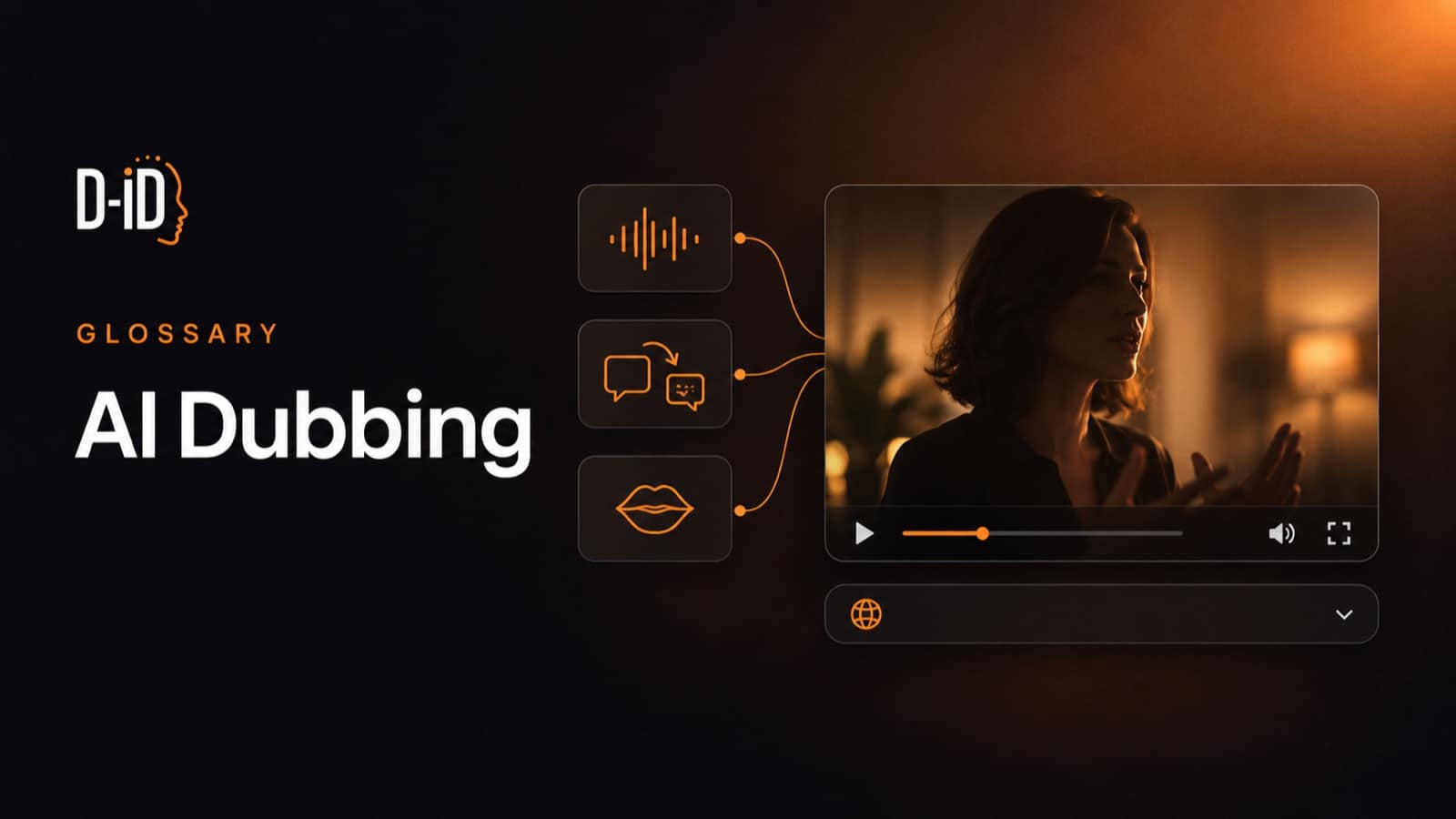
AI dubbing is the use of artificial intelligence to replace the spoken audio in a video with translated speech in another language. Software transcribes the original dialogue, translates it, generates new audio in the target language, and aligns that audio to the picture, usually in a synthetic copy of the original speaker’s voice.
The result is a version of the same video that someone can watch in their own language without reading along. How closely the speaker’s mouth matches the new words depends on whether the tool also adapts lip movement, which is the line between swapping an audio track and producing a finished dub.
What is AI dubbing?
AI dubbing automates work that used to need a translator, a voice actor, a recording studio and an audio engineer. The same four jobs still happen, but a model handles each one, so a finished video can be re-voiced without booking anyone.
Two supporting terms carry most of the confusion. Voice cloning is a synthetic copy of one person’s voice, which is why a dubbed version can still sound like the presenter rather than a stock narrator; a deeper guide to how AI voice cloning works walks through the mechanics in more depth. Lip sync is the separate step that adjusts the mouth on screen to match the new audio.
Vendors also label the same capability inconsistently, so the useful question when comparing tools is not what the page calls it but which of the steps below the tool actually performs.
How does AI dubbing work?
Most platforms run some version of the same sequence.
- Transcription. Speech recognition turns the original audio into a timed text transcript.
- Translation and adaptation. The transcript is translated, then adjusted to fit the time available, because languages expand and contract at different rates.
- Voice generation. A synthetic voice speaks the translated script, keeping the original speaker’s timbre if their voice has been cloned.
- Alignment. The new audio is timed against the original so speech starts and stops where the picture expects it.
- Lip sync, where the tool supports it. The mouth on screen is regenerated to match the new sounds.
- Export. The result is rendered as a new video file, usually with a transcript or subtitle file in the target language.
Not every tool runs every step, and the results differ enough that it is worth reading how a specific pipeline is built before choosing one; a closer look at translating video content with AI walks through several of these approaches side by side. Plenty stop after step four and lay a translated audio track over the original footage, which is a fair choice for a narrated slide deck and a poor one for a talking head.
What can AI dubbing do?
Capabilities vary by platform, but a few are common across the category.
Keep the original speaker’s voice
Voice cloning lets the same person appear to speak every language version. For training and internal communications that matters: viewers recognize their own instructor across markets instead of meeting a different narrator in each one, the same reasoning that applies to employee onboarding videos built once and localized rather than reshot per market.
Produce many language versions from one upload
Adding a language is closer to re-rendering than to re-recording, and batch processing or an API runs the same job across a back catalogue. Teams tend to use that to widen coverage rather than to save money on one video.
Match mouth movement to the new audio
Lip sync separates a dub a viewer accepts from one they notice. It is also gated to higher plans or metered at a higher rate on many tools, so confirm it on the plan you would actually buy.
Return text assets alongside the video
Most tools hand back the translated transcript and a subtitle file, output that is often as useful as the dub itself because it feeds search, accessibility and knowledge-base content.
AI dubbing vs. related terms
Readers meet these terms on the same product pages, and they are not interchangeable.
| What it changes | What the viewer gets | Where it fits | |
|---|---|---|---|
| AI dubbing | Replaces the spoken audio with translated speech | Hears the video in their own language | Localizing finished video for a new market |
| Video translation | Umbrella term for dubbing, subtitles, or both | Depends entirely on what the vendor includes | Comparing tools, where the feature list matters more than the label |
| Subtitling | Adds a text track and leaves the audio alone | Reads along while hearing the original speaker | Accessibility, sound-off viewing, low-cost reach |
| Voice cloning | Builds a synthetic copy of one person’s voice | Hears the same person, not a stock narrator | A component of dubbing, also used for original narration |
| Lip sync | Regenerates the mouth on screen | Sees a mouth that matches the words | The step that makes a dub look native rather than overdubbed |
The defining difference is what the audience does with their attention. Subtitles ask them to read; dubbing lets them watch. Voice cloning and lip sync are not alternatives to dubbing at all: they are the two components that decide how convincing the dub is.
AI dubbing vs. human dubbing
On cost and speed the comparison is lopsided. On performance it is lopsided the other way.
| AI dubbing | Human dubbing | |
|---|---|---|
| Cost per finished minute | $1 to $20 | $50 to $200+ |
| Turnaround | Hours to 2 days per language | Two to eight weeks per language |
| Adding a language | Rendered from the same upload | New casting and studio sessions |
| Quality control | Review after generation, usually by a native speaker on the team | Direction and review built into the recording session |
| Strongest at | Volume content: training, explainers, product and support video | Performance content: film, drama, comedy, advertising |
Cost and turnaround figures come from 3Play Media’s dubbing comparison; real quotes vary by language, length and vendor, and some straightforward jobs finish faster than the table above, so treat these as a sense of scale rather than a price list.
AI tends to win where content is informational and volume is high. A compliance course in twelve languages stops being a casting problem and becomes a rendering job, with one cloned voice holding the presenter’s identity across every version.
Human dubbers keep the work where performance carries the video. Jokes need rewriting rather than translating, dramatic scenes need direction, and overlapping dialogue still trips automated lip sync. Film and prestige television stay human for good reason; most corporate libraries no longer need to.
When AI dubbing is not the right choice
There are cases where dubbing is the wrong tool no matter how good the model is.
High-stakes content still needs a qualified reviewer. Machine translation errors read fluently, which is what makes them dangerous in safety instructions, medical guidance or anything with legal weight. Some regulated contexts also require certified human translation.
Dubbing is not accessibility. An extra audio language does nothing for viewers who are deaf or hard of hearing. Captions and transcripts are the accessibility deliverable, and treating a dub as a substitute leaves both jobs half done.
Everything on screen stays in the original language. Dubbing changes audio, not pixels. Slide text, lower thirds and burned-in captions keep the source language, so a text-heavy video needs its project files reopened.
Voice cloning is a rights question before it is a technical one. Cloning a presenter, an actor or an employee generally needs their explicit consent, and older talent contracts rarely cover synthetic voices. Clear that before a library-wide project.
A weak video dubs into twelve weak videos. Localization multiplies whatever is already there, so spend it on material that is current and already earning its place.
Where teams use AI dubbing
A common use case is training and compliance, where organizations hold libraries that were never localized because reshooting them could not be justified; a closer look at AI in corporate training video covers several of these workflows in more depth. Onboarding, product training and policy refreshers translate well because the delivery is informational rather than performed.
Internal communications is a similar fit: leadership updates and all-hands recordings reach distributed teams in their own language while the original speaker stays recognisable.
Marketing and product teams push a single explainer or demo into every market they sell in, and support teams do the same with help-centre video, where the alternative is usually text-only documentation for anyone outside the primary language.
Example: D-ID Video Translate
D-ID Video Translate is one implementation of the pipeline described above, built on D-ID’s broader AI Video Generator platform. D-ID states that the feature clones the speaker’s voice for cross-language consistency, adapts lip movements to the new audio, and bulk renders one upload into as many as 29 languages, through the self-service Studio or the API.
D-ID states that Video Translate lets a user proofread the machine-generated transcript and edit it before pressing Generate, and that the same upload can produce several language versions by re-selecting the target language rather than being uploaded again for each one. D-ID’s own guidance for the feature says it works best on videos with a clearly visible speaker and clean audio, the same category as talking-head clips, training videos, product explainers, and company updates, which lines up with the training and internal-communications use cases described above. D-ID frames the benefit in similar terms: reaching audiences in a language they understand while cutting the cost and hassle of reshooting the video for each market.
One scoping detail is worth reading carefully on any vendor’s site, including this one: D-ID’s platform-wide figure of 120+ languages applies to avatar video creation and real-time interaction, not to Video Translate, which is a separate and much smaller number.
The same care applies to plan-level limits, which decide whether a tool fits a real library. D-ID’s pricing page caps translated video length at 30 seconds on the free trial and at five minutes on its Lite, Pro and Advanced plans, with output up to 30 minutes on the D-ID Enterprise plan, which is also the only tier that adds a proofreading step, described on the page as letting a team review, edit and approve translations before generation. Numbers like these change, so check them at the point of purchase rather than trusting a definition page.
Translation sits alongside other approaches to the same problem. V4 Expressive Avatars, launched 16 March 2026, generate new avatar video in a target language rather than re-voicing existing footage, and Agentic Videos let a viewer stop a finished video and ask it questions instead of watching a localized version end to end.
FAQ
Does AI dubbing work for every language?
No. Coverage varies by tool, and published counts often mix languages, dialects and accents, so two vendors quoting similar numbers may not overlap much. Quality varies inside a single tool too. Check your target locales on the vendor’s own list rather than trusting the headline figure.
Can AI dubbing handle a video with several speakers?
Some platforms separate individual speakers and clone each voice automatically, so a multi-presenter panel does not collapse into one narrator. Results still vary more than they do for a single presenter, so check the transcript against who actually said what before you publish, not just how the audio sounds. Test a real clip from your own library first.
How is AI dubbing different from an AI voice-over?
A voice-over adds a new narration track, often in the same language, without pretending to be the person on screen. Dubbing replaces existing speech with a translated version timed to the original delivery, and usually tries to preserve the speaker’s identity.
What does AI dubbing need from the source video?
Most tools work from a finished video file rather than the original project. Clean audio helps more than resolution does: one voice at a time, little background music and no heavy room echo give noticeably better results.
Does AI dubbing replace human translators?
Not for anything that carries risk. The realistic division of labor is that AI produces the first pass and a bilingual reviewer checks terminology, product names and anything with compliance weight. That review step is what turns a fast draft into something publishable.
simpleshow, D-ID’s house brand for explainer and training video, solves the same job inside its own editor. A finished explainer can be translated in one click into up to 20 languages while keeping the speaker’s own voice, which suits teams whose source video is built in the platform rather than uploaded to it.
This entry is part of D-ID’s AI video glossary. If you are moving from definitions to a shortlist, the practical next step is to dub one representative video per format you publish, then have a native speaker review it before you commit a whole library.
Was this post useful?
Thank you for your feedback!