

Use D-ID with ElevenLabs Agents

Connect a pre-built ElevenLabs Agent to a D-ID Avatar
With the ElevenLabs integration, builders can turn voice-based conversational agents into expressive, real-time visual agents that listen, speak, and react like a human presence on screen. Use your existing ElevenLabs agent setup, connect it to D-ID, and create a full-presence AI experience without rebuilding your conversation pipeline.
Why integrate D-ID’s AI Avatars with ElevenLabs Agents?
ElevenLabs has become a go-to platform for conversational AI agents – realistic voice, smart turn-taking, powerful LLM tooling. But voice alone still feels disembodied. D-ID’s expressive real-time avatars close this gap. Together, the two platforms deliver a full-presence AI agent: a face that listens, speaks, and reacts, powered by the conversation engine builders already use.
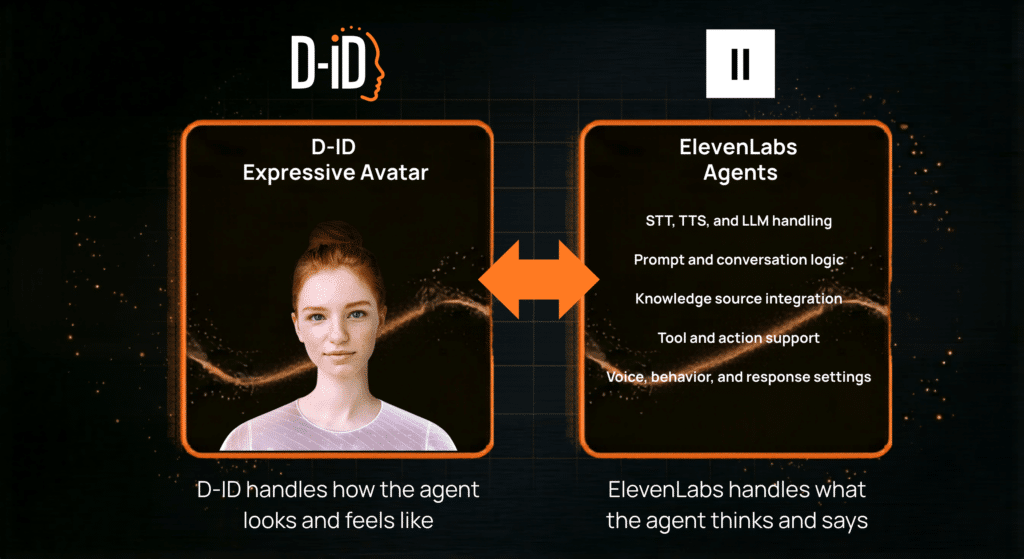
How to integrate D-ID with ElevenLabs Agents
Get your ElevenLabs API key: Log in to ElevenLabs → Profile → API Keys → copy your key
Build or select your ElevenLabs agent: Set up your agent in ElevenLabs with STT, LLM, TTS, prompting, knowledge base, and tools — no changes needed to the agent itself
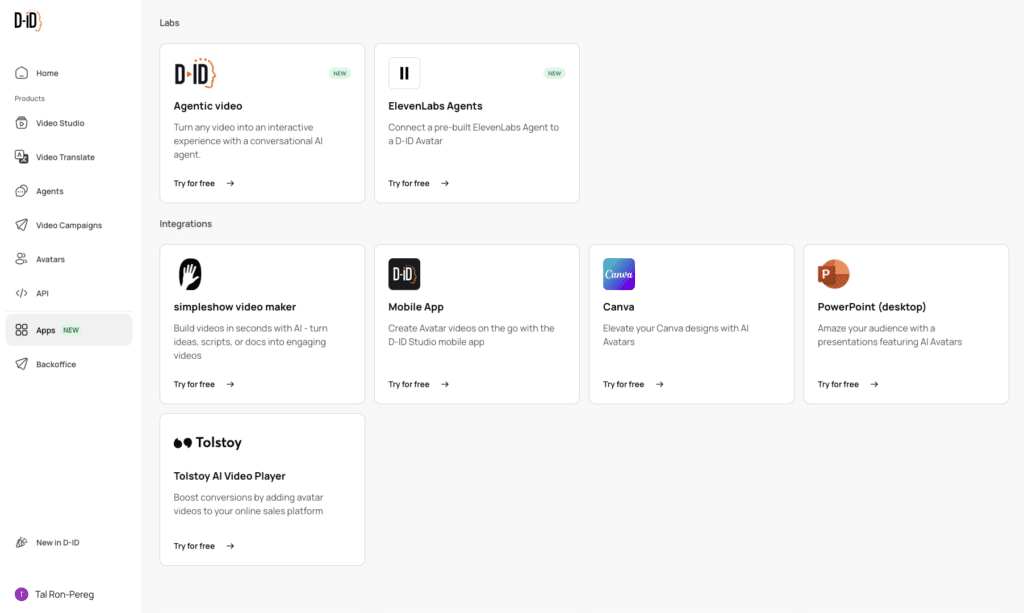
Connect to D-ID: In D-ID, click on the new ElevenLab app box and paste your ElevenLabs API key.
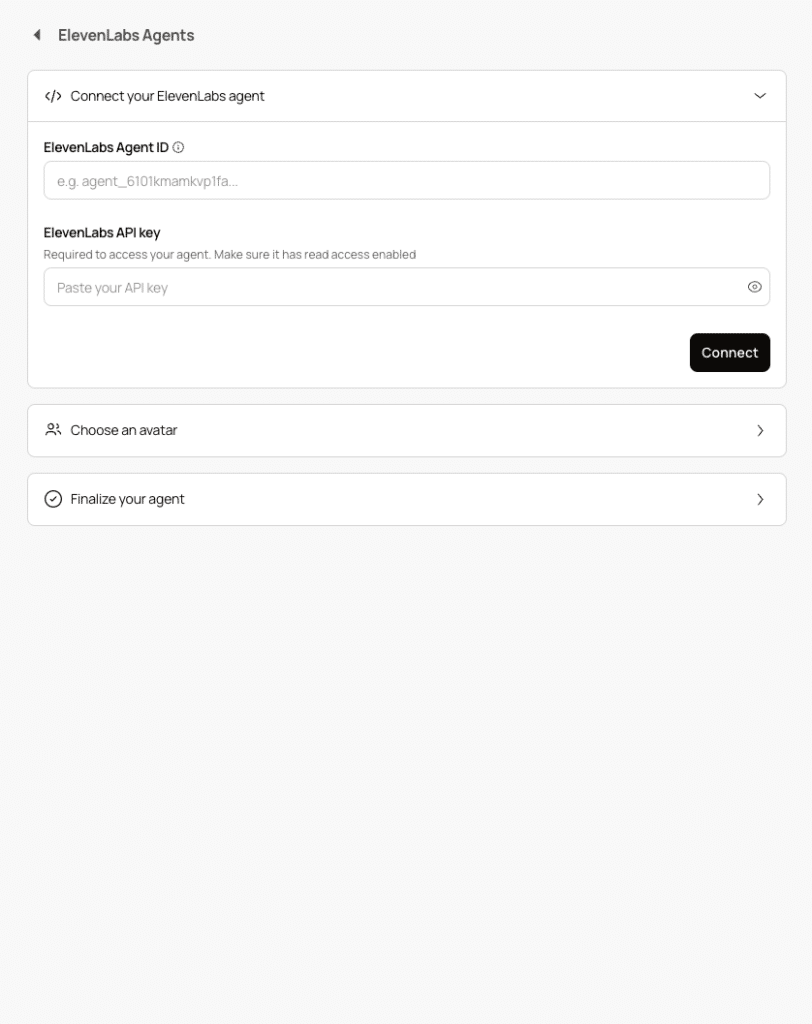
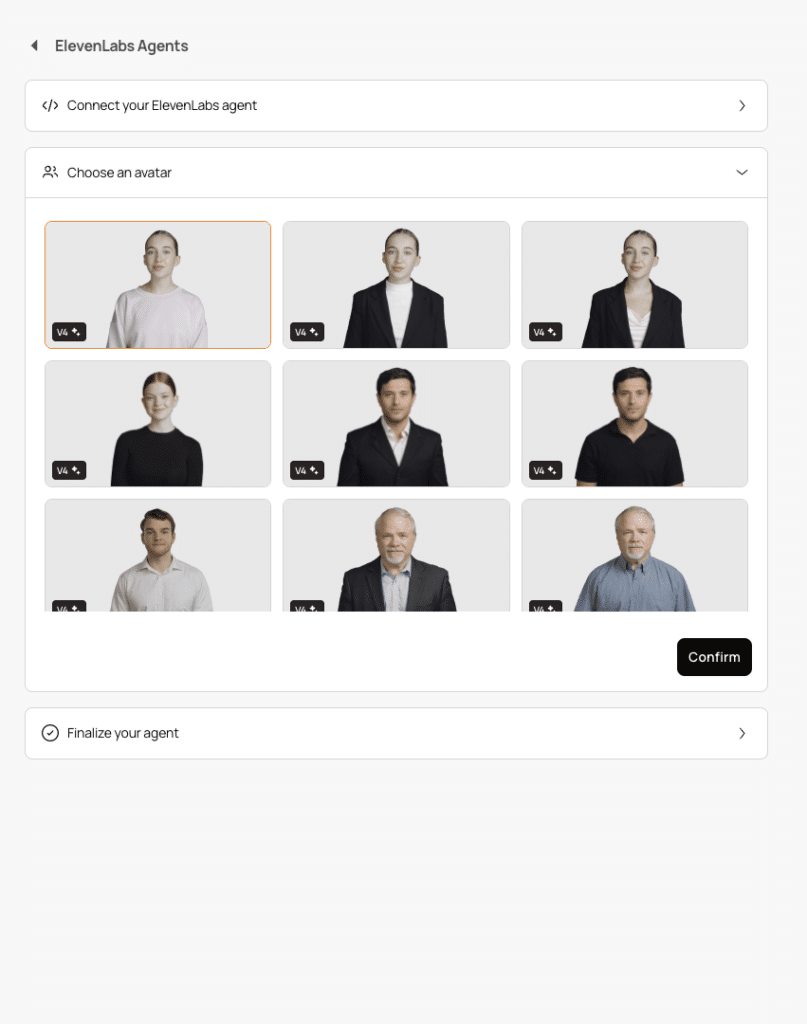
Configure the avatar & optional features: Choose your D-ID avatar.
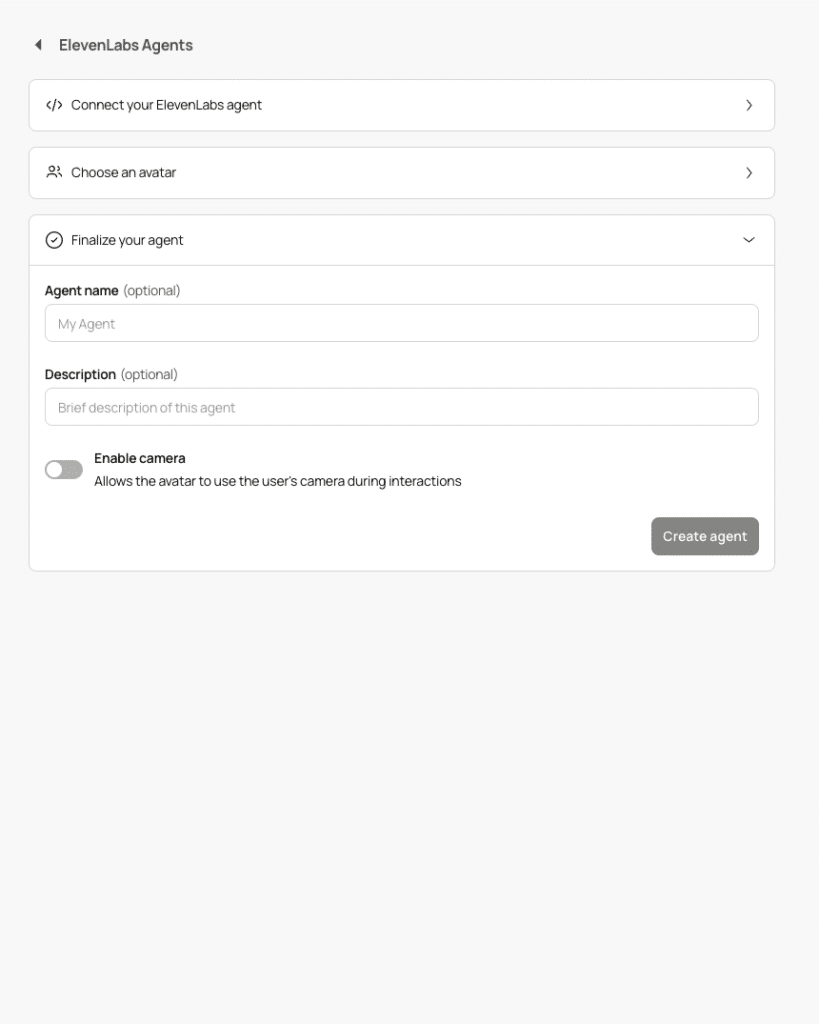
Finalize your agent: Give it a name and a description. Optionally enable Vision so the agent can see the user’s camera feed for context-aware responses
Embed or integrate via SDK: Use D-ID’s embed code snippet for a no-code drop-in, or theClient SDK for full UI control in your own application