
Best 5 AI Avatar Agent Platforms for Enterprise Teams
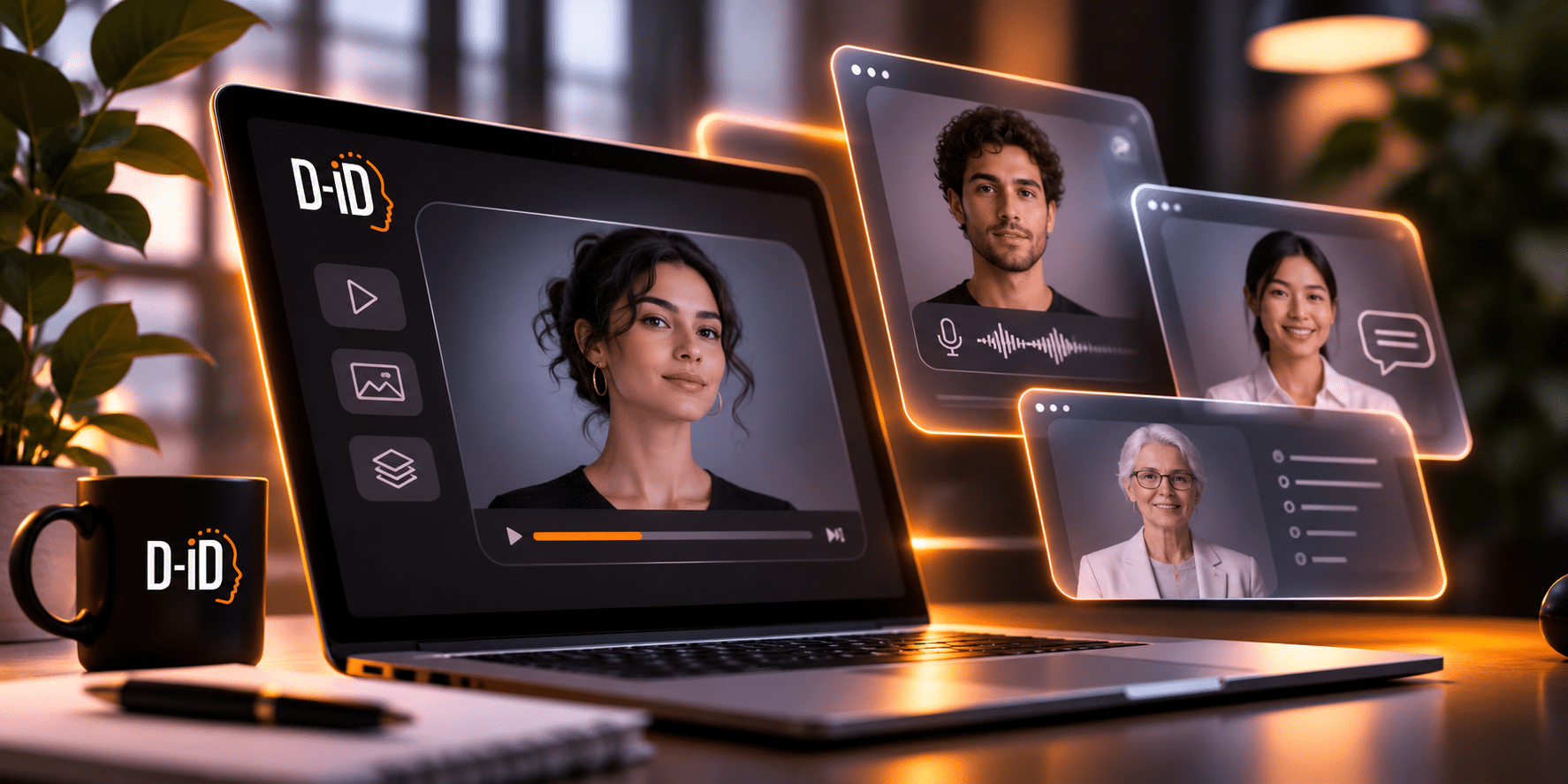
Enterprise teams comparing AI avatar agent platforms are choosing more than a face. The decision rests on who builds and maintains the agent, what it can know and do, who controls access to it, and what a rollout costs. This guide compares five platforms on those points and ends with a pilot you can run on two of them.
The five are not the same kind of product, and most span more than one of these groups:
- Configure and publish: A business team builds the agent in a web app and shares it by link or embed. D-ID AI Avatar Agents, Tavus PAL Maker, Synthesia’s managed Interactive Avatars and HeyGen LiveAvatar’s Full Mode work this way.
- Developer layer: Engineers build an avatar or agent into their own product or voice stack. D-ID’s API and SDK, the Tavus Developer API, Synthesia’s Interactive Avatars API and LiveAvatar’s SDK and Avatar Only mode fit here.
- Vendor-built deployment: The vendor designs and builds the experience with you. UneeQ’s XD Studios works this way, and Tavus offers fully managed enterprise deployments.
- Structured workflow: The product runs one kind of conversation, such as employee role-play with scoring. Synthesia Roleplay Sessions and UneeQ’s Immersive Training Platform fit here.
Key Takeaways
- The five platforms are different kinds of product, from no-code agent builders to developer layers, vendor-built deployments and role-play tools, so compare like with like.
- Ask who owns the agent after launch: who updates knowledge, maintains connected actions and reviews conversations, and how much of that work stays with your team.
- Knowledge retrieval helps ground answers in approved content but does not guarantee accuracy or freshness. Connected actions usually depend on endpoints or integrations your team builds.
- Check SSO, roles, audit logs, processing location, retention and contract terms for the specific product and plan, then pilot two platforms with the same test.
What Separates an Avatar Agent From an Avatar Video
An avatar video is rendered once and plays the same way for every viewer. An avatar agent, also called an interactive AI avatar or a conversational AI avatar, holds a live conversation. It listens, generates a response within the instructions you set, and speaks it through an animated face.
Depending on the product and setup, it can also retrieve passages from your content and call tools that take an action, such as checking an order. Our article on agents versus avatars covers when each format fits.
| Dimension | Avatar video | Avatar agent |
|---|---|---|
| Output | A rendered video file | A live session |
| Interaction | The viewer watches | Two-way conversation |
| Knowledge | Fixed in the script | Instructions plus, depending on setup, retrieved content |
| Actions | None | Possible through tools or integrations, depending on product and setup |
| Typical use | Training modules, announcements | Support questions, onboarding, practice conversations |
Many platforms use retrieval-augmented generation (RAG). The agent searches your documents for relevant passages and passes them to a large language model (LLM), which writes the answer.
Retrieval helps ground answers in your content, but it does not guarantee accuracy or freshness. A passage can be outdated, two sources can conflict, and the model can still misread what it finds. The content behind the agent needs an owner.
What Enterprise Teams Should Look For
These questions separate the five more clearly than avatar quality does:
- Who builds it: Can a business team configure and publish the agent, or does every change go through engineering or the vendor?
- Ownership after launch: Who updates knowledge, instructions and connected actions when a policy or product changes, and how much work is each change?
- Knowledge and actions: What content can the agent use, and how is it refreshed? Are actions such as booking a meeting or opening a ticket built in, or do they call endpoints your team hosts?
- Escalation: How does the agent pass a conversation to a person, and can you test that path before launch?
- Deployment: Website embed, hosted link, your own app, video meetings, kiosks or a learning platform: which does the specific product support?
- Testing and monitoring: Can you review transcripts and try changes before they reach users?
- Pricing model: Is usage billed by minute, credit, seat or response, and what else will the rollout cost?
A Procurement Check for Every Vendor
Security pages usually describe a vendor, not the specific product and plan. Put the same questions to all five, D-ID included:
- Which product and plan include SSO, role-based access and audit logs?
- Where is conversation data processed and stored, and can you choose a region?
- How long are transcripts, recordings and uploaded documents kept, and can you delete them?
- Is your data used to train models, and what do the contract and data processing agreement say?
- Which certifications and audit reports cover this specific product, and will the vendor sign the agreements your sector needs, such as a business associate agreement in US healthcare?
D-ID publishes its controls and certifications in its enterprise overview. Ask every vendor for the equivalent, and check that it covers the product you would buy.
The 5 Best AI Avatar Agent Platforms for Enterprise Teams
Each profile covers who the platform fits, how a team builds and publishes an agent, what the agent can know and do, and what to check before committing.
1. D-ID AI Avatar Agents
Good fit for: Enterprise teams that want business owners to build and update a website or support agent, with developers adding connected actions where needed.
D-ID AI Avatar Agents are created without code in D-ID Studio’s agent builder. A team picks an avatar, sets the language and voice, writes the agent’s role and instructions, adds documents or web page content as knowledge, and shares the agent through a hosted link or an embed script.
Developers can use the API and client SDK to build a custom interface.
Connected actions are a separate step. Server tools call an HTTP endpoint your team controls, for example, to look up an order or book a meeting, so someone has to build and maintain that endpoint.
Agents run on D-ID’s built-in OpenAI models by default. Teams can add their own OpenAI or Azure OpenAI credentials in Studio, or connect a custom model through an OpenAI-compatible endpoint.
What to consider: Design escalation from the start. D-ID recommends giving people a way to reach a human, so decide how the agent offers that route, for example through its instructions or a booking tool, and test it before launch.
2. Tavus
Good fit for: Product and engineering teams building conversational video into their own product, and teams that want an agent to take part in video meetings.
Tavus calls its agents PALs. Teams build them through the Developer API or in PAL Maker, a no-code portal included with the developer plans.
A PAL can answer from a knowledge base, remember earlier conversations, run on a Tavus-hosted model or your own OpenAI-compatible LLM, and call tools during a conversation.
PALs can join Google Meet and Zoom calls as participants, and web deployments use prebuilt React components or an embed.
What to consider: Tavus also sells consumer PALs, so confirm that you are evaluating the developer or enterprise plans. Its pages give different language figures, so test each language you need in a live session.
3. UneeQ
Good fit for: Enterprises that want employee role-play training, or a custom digital human for a branded or physical setting.
UneeQ runs two workflows. Its Immersive Training Platform turns a playbook, call script, or training manual into role-play scenarios with coaching, and teams can start a 30-day free trial.
For custom digital humans, its XD Studios agency designs and builds the character and experience to a client’s scope, priced by proposal.
UneeQ connects to a language model of your choice and uses RAG to answer from your content. Its deployment options for digital humans include web, mobile apps, kiosks, holographic displays, and XR.
What to consider: The trial covers the training platform, while a custom digital human is a project with the vendor. If you need on-premises, kiosk, holographic, or XR deployment, confirm which product and contract include it.
4. Synthesia
Good fit for: L&D teams that want structured role-play practice, and teams that want a managed or API-based avatar for customer conversations.
Synthesia has three conversational products.
Roleplay Sessions let employees practice a conversation with an avatar and get scored against a skills rubric. Synthesia lists seven languages for it, and it is sold by learner seat.
Survey Sessions turn a form, such as lead qualification, into a short avatar conversation, metered per response.
Interactive Avatars come in two modes: a managed agent configured and hosted in Synthesia, with a name, instructions, a voice, and a knowledge base, or a developer integration through LiveKit that adds the avatar to your own agent.
Both modes are billed per conversation minute.
What to consider: Each product has its own languages, billing, and setup, so evaluate the one you would deploy. With the LiveKit route, your team supplies the language model, tools, and knowledge.
5. HeyGen LiveAvatar
Good fit for: Teams that want a hosted real-time AI avatar, or developers adding a face to a voice agent they already run.
LiveAvatar is HeyGen’s real-time avatar product, with two modes.
In Full Mode, LiveAvatar runs speech recognition, the language model, and text-to-speech. You write a prompt, can add web pages it summarizes for reference, and can bring your own OpenAI-compatible model.
In Avatar Only mode, your team supplies the speech and language stack and connects through frameworks such as LiveKit, Pipecat, or Agora.
A Full Mode agent can be published as an iframe from the dashboard without front-end code, while custom integrations use the SDK.
What to consider: If you need the avatar to book meetings or open tickets, confirm how those actions would work in the mode you plan to deploy. Language support depends on the mode and voice, so test each language in the setup you plan to use.
Platforms Compared at a Glance
| Platform | Good fit for | Build and deployment | Knowledge and actions | Pricing model |
|---|---|---|---|---|
| D-ID AI Avatar Agents | Business-owned website and support agents | No-code Studio; link, embed, API and SDK | Documents or web page content; tools call your endpoints | Studio plans; Enterprise priced individually |
| Tavus | Developer-built conversational video; meetings | Developer API or PAL Maker; web and meetings | Knowledge base and memory; tool calling | Subscriptions with included minutes; Enterprise |
| UneeQ | Role-play training; custom digital humans | Training platform or XD Studios build; web, kiosk, XR | Your content through RAG; LLM of your choice | Per seat (training); by proposal (custom) |
| Synthesia | Employee role-play; managed or API avatar | Sessions; managed agent or LiveKit | Knowledge base (managed); your stack (API) | Seats (Roleplay); per minute (Interactive Avatars) |
| HeyGen LiveAvatar | Hosted real-time avatar; face for a voice agent | Dashboard iframe or SDK | Prompt and web pages (Full Mode); your stack (Avatar Only) | Credits per minute, rate set by mode |
Knowledge retrieval and connected actions depend on the product and setup.
The pricing column shows published pricing models only. Total rollout cost also includes integration work, content preparation, testing, and the time spent maintaining the agent.
Languages are left out because vendors publish them for different products, modes, and voices; test them in your pilot.
Which Platform Should You Choose?
- A business team builds and updates the agent: Start with D-ID AI Avatar Agents, and compare Tavus PAL Maker and Synthesia’s managed Interactive Avatars.
- Engineering builds it into a product: Compare the D-ID API, the Tavus Developer API, Synthesia’s LiveKit integration and LiveAvatar’s Avatar Only mode against the stack you already run.
- Agents in video meetings: Look at Tavus.
- Employee role-play with scoring: Compare Synthesia Roleplay Sessions with UneeQ’s Immersive Training Platform.
- A custom character, kiosk or venue experience: Talk to UneeQ’s XD Studios, and confirm the deployment scope in the contract.
Where Avatar Agents Work Best in the Enterprise
An avatar agent works well when people ask the same questions repeatedly, the answers come from content someone maintains, and a face helps the exchange.
Support pages, employee onboarding, and practice conversations are common examples, and a visual AI agent on a kiosk can serve visitors at an event or in a branch.
Our overview of enterprise use cases covers these in more detail.
It fits less well when the content cannot be kept current, when a named person must answer for what is said, or when a one-way video already does the job.
Next Steps
Shortlist two platforms from the group that matches how you will build and maintain the agent. Then run the same test on both, using the same approved, non-sensitive content:
- Routine questions your customers or employees actually ask.
- Questions where the content is outdated or two sources conflict.
- Requests outside the agent’s scope.
- Cases that should go to a person, such as a complaint or a request for an exception.
For each conversation, record whether the answer was correct and whether the agent escalated when it should have.
Also record how much work your team needed to set up the workflow and to change it afterward.
Update one document during the pilot and ask the same questions again to see how quickly the change reaches the agent.
Our developer guide to building agents shows what a D-ID setup involves.
If D-ID is on your shortlist, try D-ID Studio or book a demo to discuss deployment and governance.
FAQ
It depends on the billing unit and on the work around it. Vendors bill by conversation minute, credits, seats or responses, and enterprise plans are often quoted individually.
Usage fees are only part of it. Budget for content preparation, integrations for any connected actions, testing, and the ongoing time needed to keep knowledge and workflows current.
Yes, in most products, though how it works varies.
Many platforms use retrieval-augmented generation to pull relevant passages from your documents or web pages before the model answers. Developer-layer products often expect you to supply the knowledge layer.
Retrieval helps ground answers but does not guarantee accuracy or freshness, so test outdated and conflicting content.
Most do, but published language lists apply to specific products, modes or voices, and some vendors give different figures on different pages.
Test every language you need in the live conversational product you plan to deploy. Check speech recognition, answer quality, the voice and lip sync rather than relying on a platform-wide count.
Realism depends on the avatar model, the voice, lip sync and how smoothly the stream plays on your network and devices.
Quality can differ between preset and custom avatars.
Run a live test on the hardware and connections your users have, and judge answer accuracy alongside appearance, because a realistic face does not fix a wrong answer.

Was this post useful?
Thank you for your feedback!