The Next Generation of Digital Humans

Enterprise-ready V4 expressive avatars for consistent, high-fidelity video at scale.
Expressive Performance, Designed for Scale

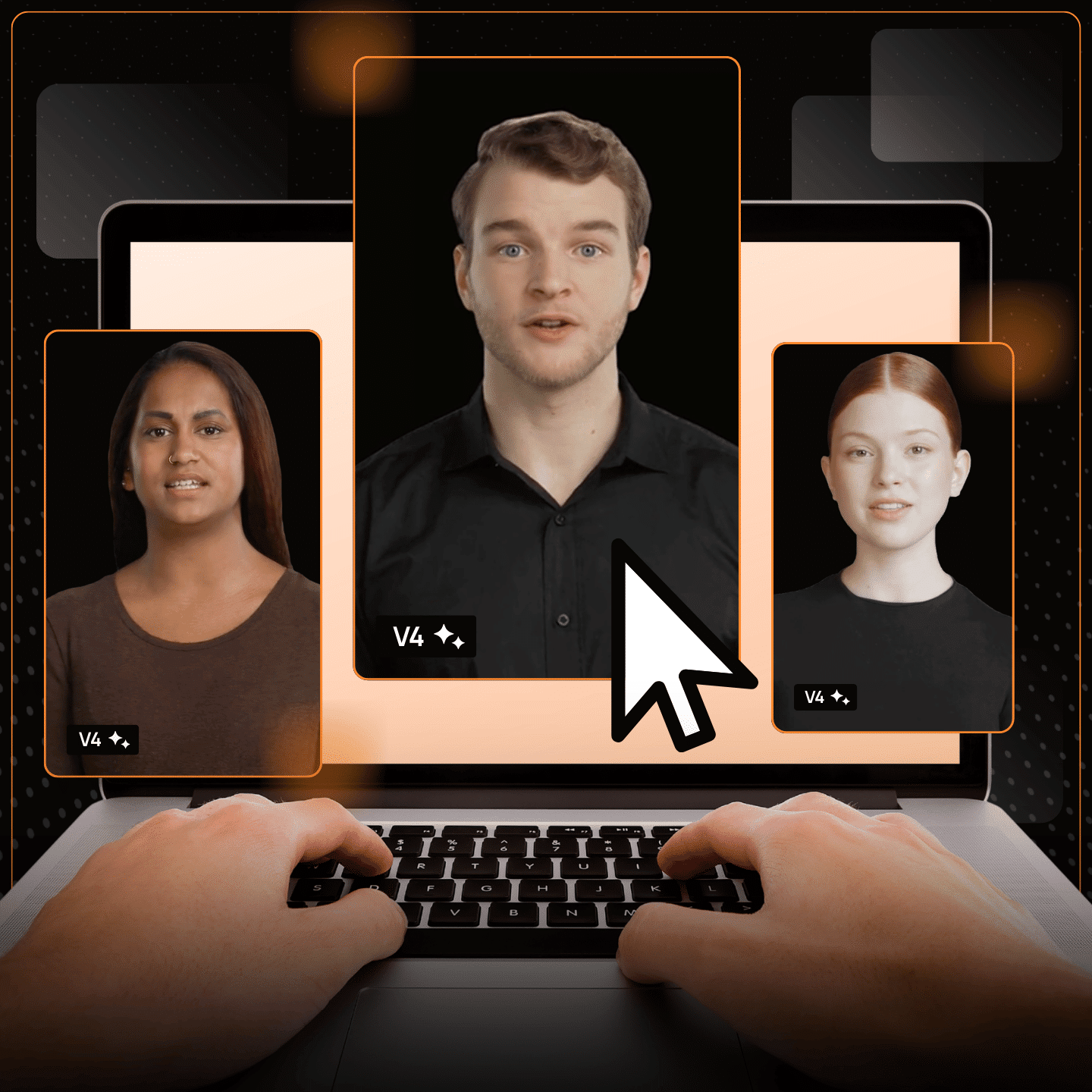
D-ID V4 Expressive Avatars bring an unprecedented level of realism and emotional range to enterprise communication.

Select from multiple sentiments to match context, with sharper lip sync and more accurate facial nuance for a natural delivery.

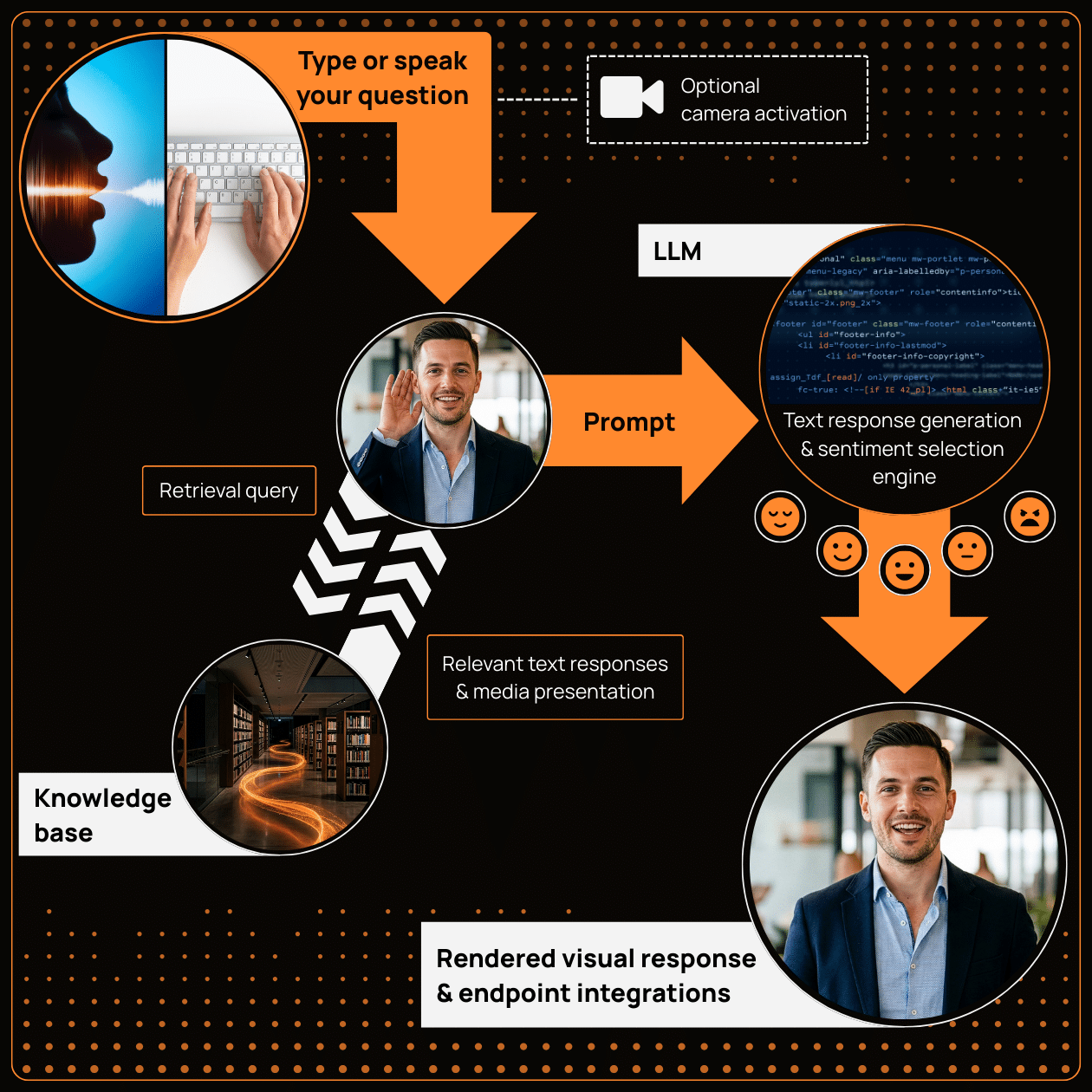
Trained on performances captured from professional actors and optimized for lower latency and stronger visual control, V4 adapts cleanly to different poses, framing, and dimensions—so every message stays on-brand, lifelike, and scalable, whether scripted or very soon, for live interactions.

What’s New in V4?

  • Selectable sentiments to match the moment.
  • More humanlike realism with richer facial nuance and expression.
  • Sharper lip sync for clearer, more believable delivery.
  • Lower latency for smoother real-time conversations in visual agents.
  • Improved listening and speaking states for more lifelike presence during real-time interactions.
  • Better visual control across framing and formats for consistent results across poses, dimensions, and channels.

Avatar models

V2 Avatars

  • Created from a single image with lightweight rendering
  • Enables quick generation with broad language support
  • Most efficient option for high-volume, simple communication needs
  • Compatible with interactive visual agents
Create your standard personal avatar with D-ID

V3 Instant Avatars

  • Created from a short user-recorded or uploaded video
  • Preserves the original background and movement while delivering perfectly lip-synced narration using a cloned voice or synthetic voice, or a recording
  • Great for rapid, authentic video content at scale

V3 Pro Avatars

  • Created from a 3–5 minute uploaded video
  • Delivers highly realistic facial detail and natural motion
  • Includes a cloned voice for flexible narration
  • Geared for professional content, with optional green-screen recording enabling background control
New

V4 Avatars

  • Created from a series of short recordings capturing multiple emotional vocal and facial expressions
  • Produces emotionally aligned delivery with precise facial and vocal synchronization
  • Ideal for high-impact use cases where authentic human nuance is essential

How to use V4 avatars in D-ID Studio

1. Pick your avatar
D-ID Expressive avatar video step 1

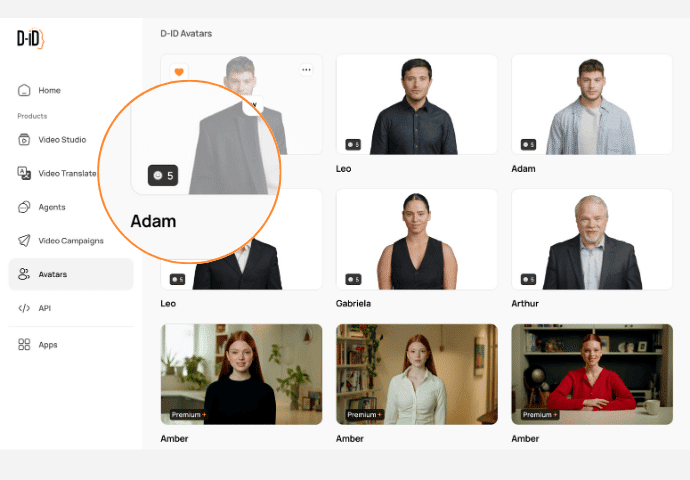
Look for the sentiment icon that identifies Expressive V4 avatars and create a video or a visual agents

D-ID Expressive avatar video step 2

Select from Friendly, Professional, Empathetic, Excited or Frustrated to match the tone of your message.

D-ID Expressive avatar video step 3

For the best expressive results, choose an ElevenLabs V3 voice if available

D-ID Expressive avatar video step 5

Type in what you want your avatar to say or upload an audio file to drive your expressive avatar video

D-ID Expressive avatar video step 4

Add backgrounds, text, shapes or media layers to enrich your video

D-ID Expressive avatar video step 6

Once you are happy with your video, click on the generate video button to bring your creation to life

How to use V4 avatars in D-ID Studio

D-ID Expressive avatar video step 1

1. Pick your avatar

Look for the sentiment icon that identifies Expressive V4 avatars and create a video or a visual agents

D-ID Expressive avatar video step 2

2. Choose a sentiment

Select from Friendly, Professional, Empathetic, Excited or Frustrated to match the tone of your message.

D-ID Expressive avatar video step 3

3. Select a voice

For the best expressive results, choose an ElevenLabs V3 voice if available

D-ID Expressive avatar video step 5

4. Enter your script

Type in what you want your avatar to say or upload an audio file to drive your expressive avatar video

D-ID Expressive avatar video step 4

5. Customize your video

Add backgrounds, text, shapes or media layers to enrich your video

D-ID Expressive avatar video step 6

6. Click "Generate Video"

Once you are happy with your video, click on the generate video button to bring your creation to life

How to use V4 avatars via D-ID API

  1. Set the model to V4 in your API request.
  2. Reference the avatar you want to render – Expressive V4.
  3. Pass sentiment parameters to control expressive delivery
  4. Provide your input text, audio, or streamed input and generate output.
  5. Test and tune sentiment and voice settings before deploying to production.
Detailed view of programming code in a dark theme on a computer screen.

Elevate your content across all workflows

  • Humanlike Instruction at Global Scale

    D-ID’s V4 expressive avatars make training clearer, more engaging, and easier to scale. They turn complex content into digestible explanations with nuanced delivery, expressive guidance, and multilingual narration. From onboarding to compliance, teams learn faster and retain more when information is presented by a relatable, humanlike instructor.

    Natural User Interfaces
  • High-Impact Storytelling That Stands Out

    Avatar-led videos and interactive agents help brands stand out with content that feels personal, dynamic, and memorable. Whether introducing a product, explaining a service, or creating personalized campaigns at scale, D-ID’s V4 expressive avatars deliver high-impact storytelling that’s always on-brand and instantly adaptable across channels.

    Natural User Interfaces
  • More Personal, Faster, and Always Consistent

    D-ID V4 Expressive avatars and visual agents transform digital touchpoints by offering humanlike interaction at every step. They provide fast, consistent answers with natural delivery, reduce support load, and create a friendlier experience for users—day or night, in any language. The result: higher satisfaction, smoother journeys, and more effective self-service.

Natural User Interfaces

V4 Expressive Avatars FAQs

  • V4 Expressive Avatars are D-ID’s most advanced digital humans, designed to deliver emotionally accurate, humanlike communication across both avatar videos and real-time visual agents.

  • V4 introduces richer facial expression, selectable sentiments, sharper lip sync, and lower latency—resulting in more natural delivery for both scripted and live interactions.

  • Expressive V4 avatars are marked with a sentiment icon in the avatar selection screen.

  • For best results, we recommend ElevenLabs V3 voices, which offer improved expressiveness and alignment with V4 facial animation. Cloned voices and uploaded audio are also supported.

  • No. In most cases, you simply select a V4 avatar and choose a sentiment. Existing scripts, audio inputs, and integrations continue to work as before.

  • Yes. API customers can upgrade by selecting the V4 model and optionally passing sentiment parameters. No major infrastructure changes are required.

  • V4 is ideal for high-impact use cases where realism, emotional nuance, and trust matter—such as customer experience, training, marketing, and executive communications.