AI Video Translate
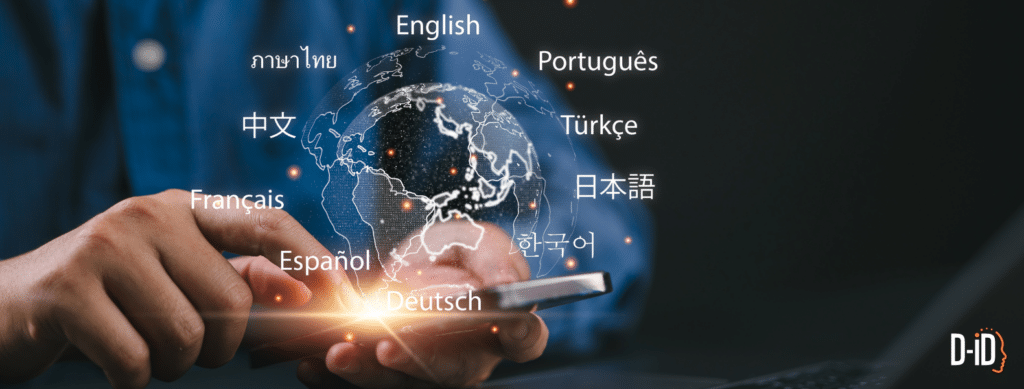
Translate your videos into multiple languages using the power of AI.
Speak to a Global Audience with D-ID Video Translate
- Automatically bulk translates videos into multiple languages with just a few clicks
- Clones the speaker’s voice for authenticity
- Adapts lip movements to match the new language
- Accessible through the self-service studio and API
Multiple Use Cases
D-ID Translate is perfect for marketing and sales teams, educators, and content creators aiming to reach audiences in a language they understand. It allows for effortless multilingual content production without the hassle and expense of traditional video production. Video Translate empowers users to engage with a wider global audience, ensuring their message is received, regardless of language barriers. By localizing video content, businesses can extend its reach and magnify its impact.
Benefits
- Voice Cloning: Automatically clones the speaker’s voice for cross language consistency
- Lip Movement Adaptation: Perfectly synchs the speaker’s lip movements for a natural look.
- Bulk Rendering: Quickly translate your video into as many as 29 languages
- User-Friendly Interface: The drag-and-drop functionality and intuitive design make it easy for anyone to use.
Read more about Video Campaigns
How to Translate Video Content With AI Tools (Everything You Need to Know in 2025)
Breaking Language Barriers with D-ID Video Translate: Empowering Global Content Creation
AI Video Translator
Questions?
Please explore the FAQs page, or contact support for assistance.
Video Translate FAQs
-
D-ID Video Translate lets you translate a video into another language while keeping it natural to watch. It automatically clones the speaker’s voice and matches lip movement to the translated audio, so it looks like the person is truly speaking the target language.
-
After the translation, Video Translate aligns the speaker’s mouth movements to the new target-language audio, so the lips match what’s being said in the translated version.
-
Yes. You can proofread the translated text and edit it before pressing the Generate button. This helps you fine-tune tone, terminology, and names before you render.
-
No. You can upload a video as-is. The system transcribes and translates automatically, and then you can review and edit the translation before generating the final video.
-
Subtitles translate text, but viewers still hear the original language. Video Translate creates a full localized version with translated speech in a cloned voice and lip-sync matched to the target language.
-
Videos with a clearly visible speaker and clean audio work best—like talking-head clips, training videos, product explainers, and company updates.
-
Yes. You can generate multiple localized versions from the same original video by selecting different target languages and generating a separate output for each.
-
It can still work, but lip-sync is most accurate when the face is clearly visible. For the best outcome, use footage with a mostly front-facing speaker and minimal mouth obstruction.
-
Yes, it’s designed to feel consistent with the original speaker. The system automatically clones the speaker’s voice, then generates the target-language audio in that voice and matches lip-sync to the new language for a more natural result.
Award winning.
Transform photos or videos into AI video presenters at scale.